
The Passavant Newsletter is located here: Shared Items>Shared Data Extensions>Preferences_Passavant>Passavant_Newsletter_SDE
The Passavant Newsletter get populated from an API and from zip code range emails using an Auotmation in the UPMC BU. The automation is called Passavant zip codes
The automation runs every Sunday and pulls zipcodes from GEO zipcodes grabbed from Adobe GEO information, Causeway, and All Sub data. Automation Steps 8 thru 13 are just reporting steps.
The zip code emails only get added once, and never override the current data in the Passavant Newsletter SDE.
The automation is located here: Automation Studio Link
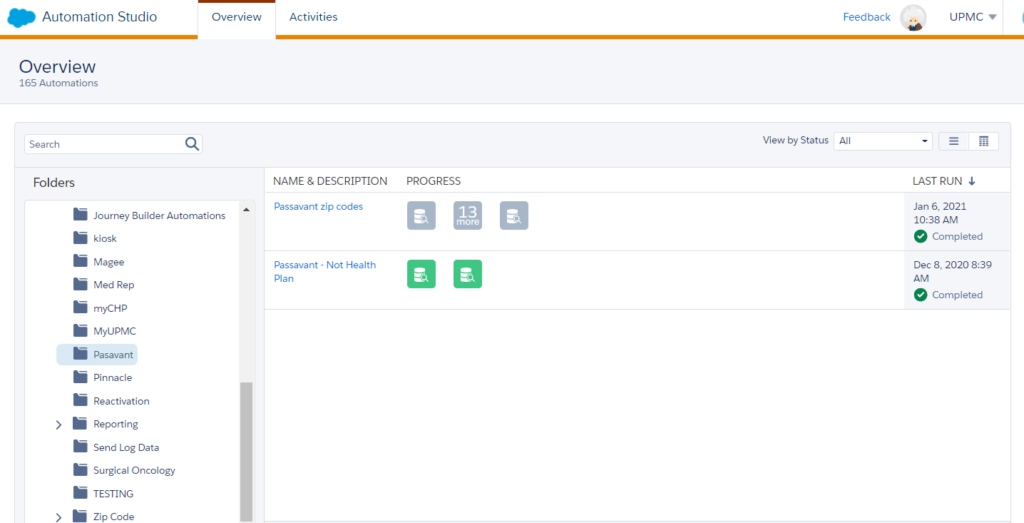
The automation runs in this order to grab zip code based emails and inserts them in the Passavant Newsletter
- Grab all emails from Passavant_Newsletter_SDE and updates Passavant_Emails_Automation with cat, subcat and date
- The automation gebs Active emails with zipcodes from GEO zipcodes grabbed from Adobe GEO information, Causeway, and All Sub data updates Passavant_Newsletter_SDE where email address is not in Passavant_Emails_Automation
- Grab all emails from Passavant_Newsletter_SDE again and updates Passavant_Emails_Automation with cat, subcat and date